
5 tips to organize your team backlog

Are you proud of your team’s backlog of 100s tickets? Better rethink your approach!
Many product managers, especially the ones that are starting their careers might get confused about how to organize their team’s backlog.
There are surely more important things than organizing and managing the team’s backlog, it is surely just a small part of the Product Manager’s work. But not finding time to organize it, will eventually create frustrations and confusion in the day to day work.
I created a couple of tips that helped me make things clear and concise throughout my career. As you’re usually the main user of it, you might find the naming, convention of this article similar to a backlog.
Issue Types
Stop … Creating issue types for every single type of work that you have, such as Support and Tech ones.
Start … Having the least amount of issue types possible. Recommendations:
- Epic for your milestones and initiatives breakdown.
- Story for features or any non-technical issues/ tips or changes that affect customers directly.
- Task for general work, support, discussions, technical debt, and so on.
- Bug for issues in the software.
Clean Up, Clean Up and Clean Up
Stop … Being proud of the huge amount of tickets in your backlog and the work it has could be done.
Start … Keeping your backlog clean, with only the most important work that needs to be done. Recommendations:
- A MAXIMUM of 2-3 months of potential work on your backlog.
- Whenever there is a ticket not updated for more than 60 days, kill it. If it is important, it will come back.
Create context
Stop … Creating tickets and Epics with only a blurry title that no one can understand.
Start … Align with the whole Product Team on how tickets should be created. Recommendations:
- Whenever there is a ticket without at least an initial description, kill it.
- Use a naming style of writing tickets, such as: Be a…, I need to…, So..
- Have Acceptance Criteria before it reaches a sprint.
- Align on how to address revisions, notes, and deep dive into each ticket.
- All team members ideally know all tickets in the backlog.
Epics
Stop … Having epics with no connections.
Start … Connecting tickets to Epics. The connections should be clear. Recommendations:
- Use Epics as milestones or smaller chunks of your initiatives.
- There is no point to have more than 5 Epics or to a planned state for your tickets, such as “tech improvements” or “Support Requests”.
- Use the Epics retrospectively at least bi-annually to discuss and align the strategy around the Product. Some, including the Initiatives and Epics.
Prioritize
Stop … Creating tickets in the backlog without any sense of priority.
Start … Organizing your backlog as a prioritized list. Recommendations:
- Whenever you create a new ticket, define its overall priority compared to all other tickets. Fun, you will be able to identify related tickets which might be overlap and make other tickets redundant.
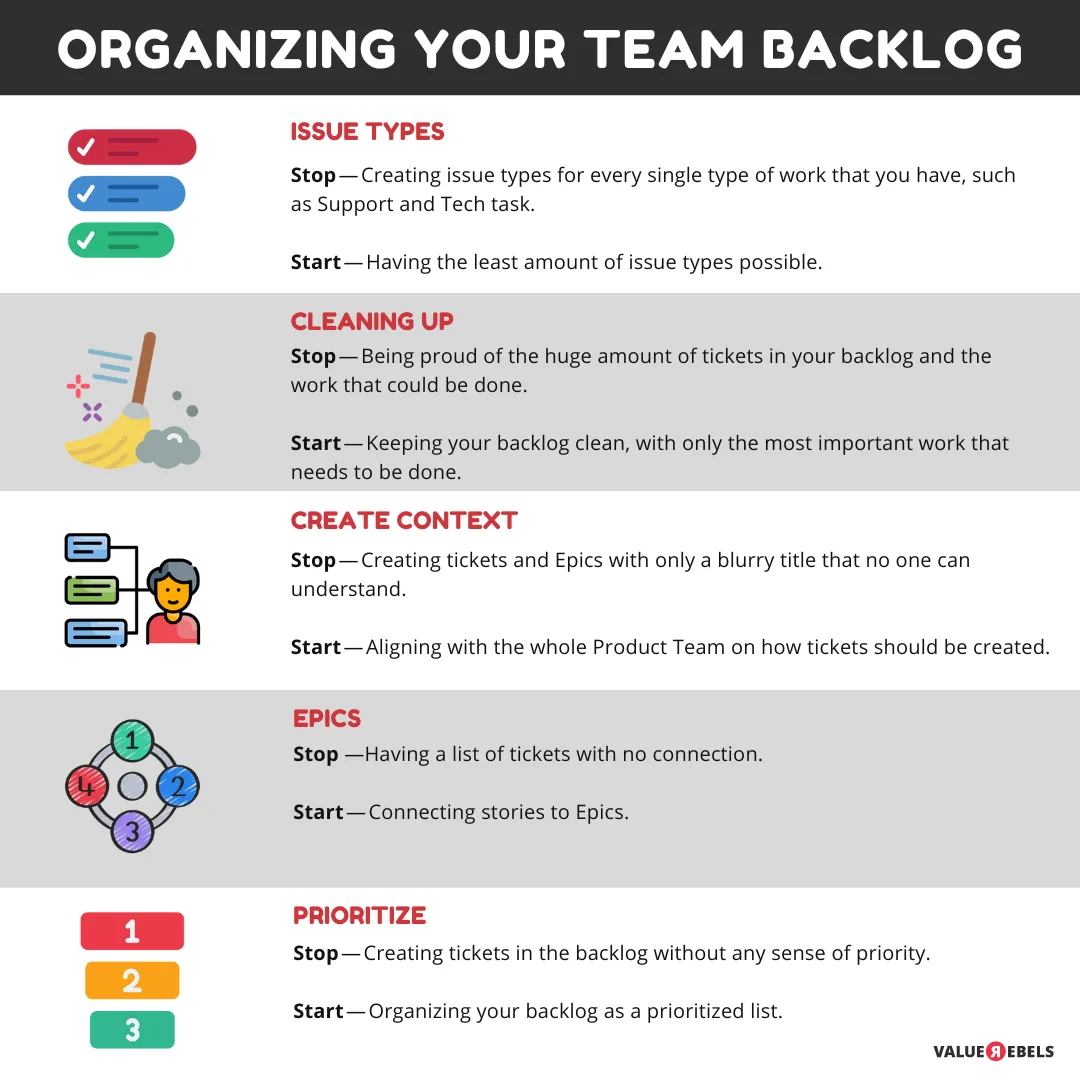
Hope these tips will support your day to day work or at least help you review how you deal with your backlog. Would you have any additional tips for organizing the backlog? I created this infographic as a Summary of this article:
In the next article, I want to write about tips on how to organize a great Sprint Planning and Sprint Backlog.